y0mu
Manga-to-Kindle converterTakes a manga link from mangalib.me, downloads the chapters, splits spreads, fits pages to an 11th-gen Kindle screen (1072×1448, 300 ppi, grayscale), and builds a PDF, AZW3, or EPUB — straight to the device over USB or by email.
A personal single-purpose tool, not an app with releases for four platforms: no build of its own, installed and run from source via uv.
Needs uv — it installs Python 3.13 on its own. The command clones the repo, installs dependencies, and opens the window right away.
INSTALL & RUN
$ git clone https://github.com/mistqkw/y0mu.git && cd y0mu && uv sync && uv run y0mu-guiSCREENSHOTS
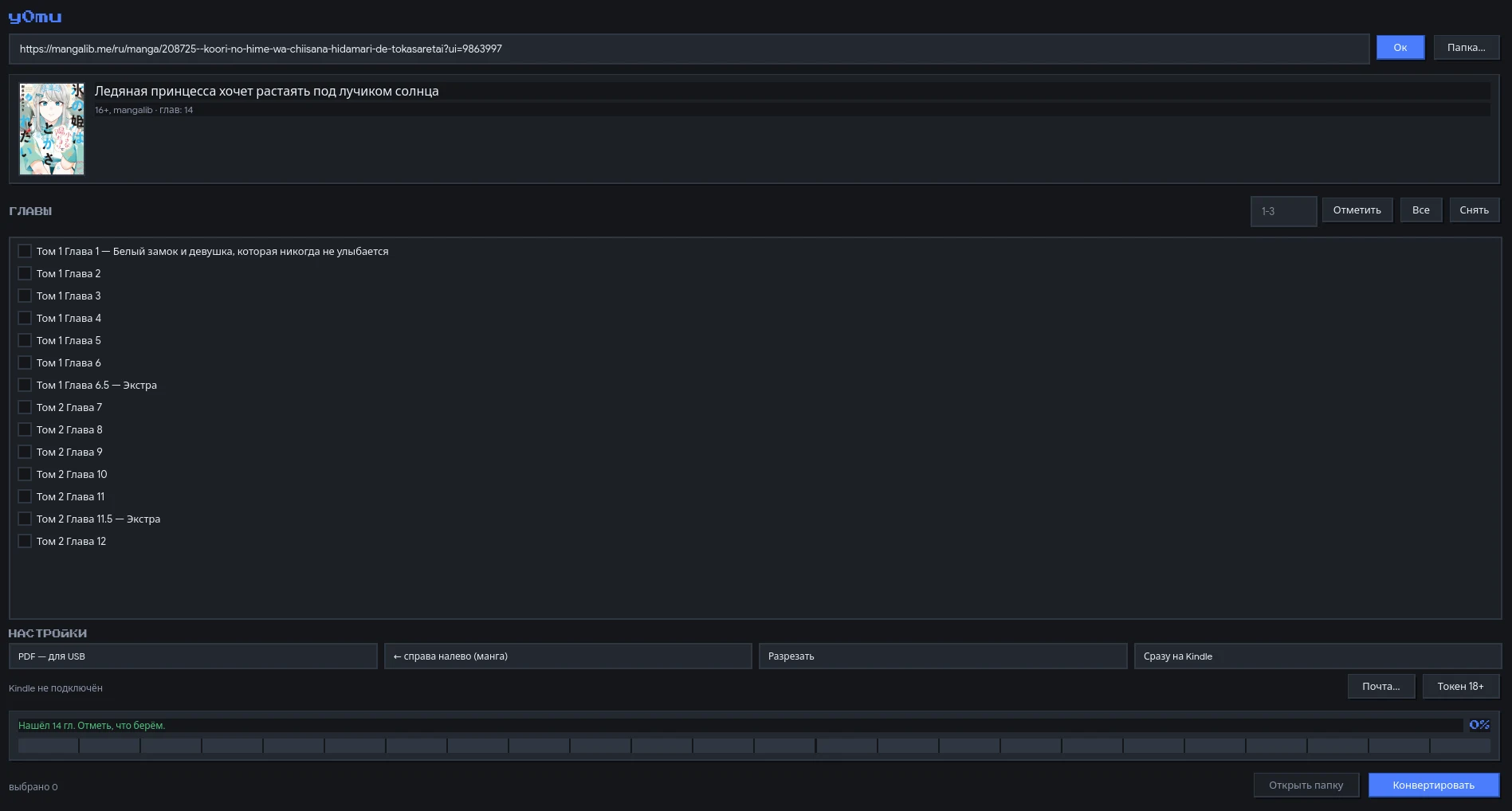
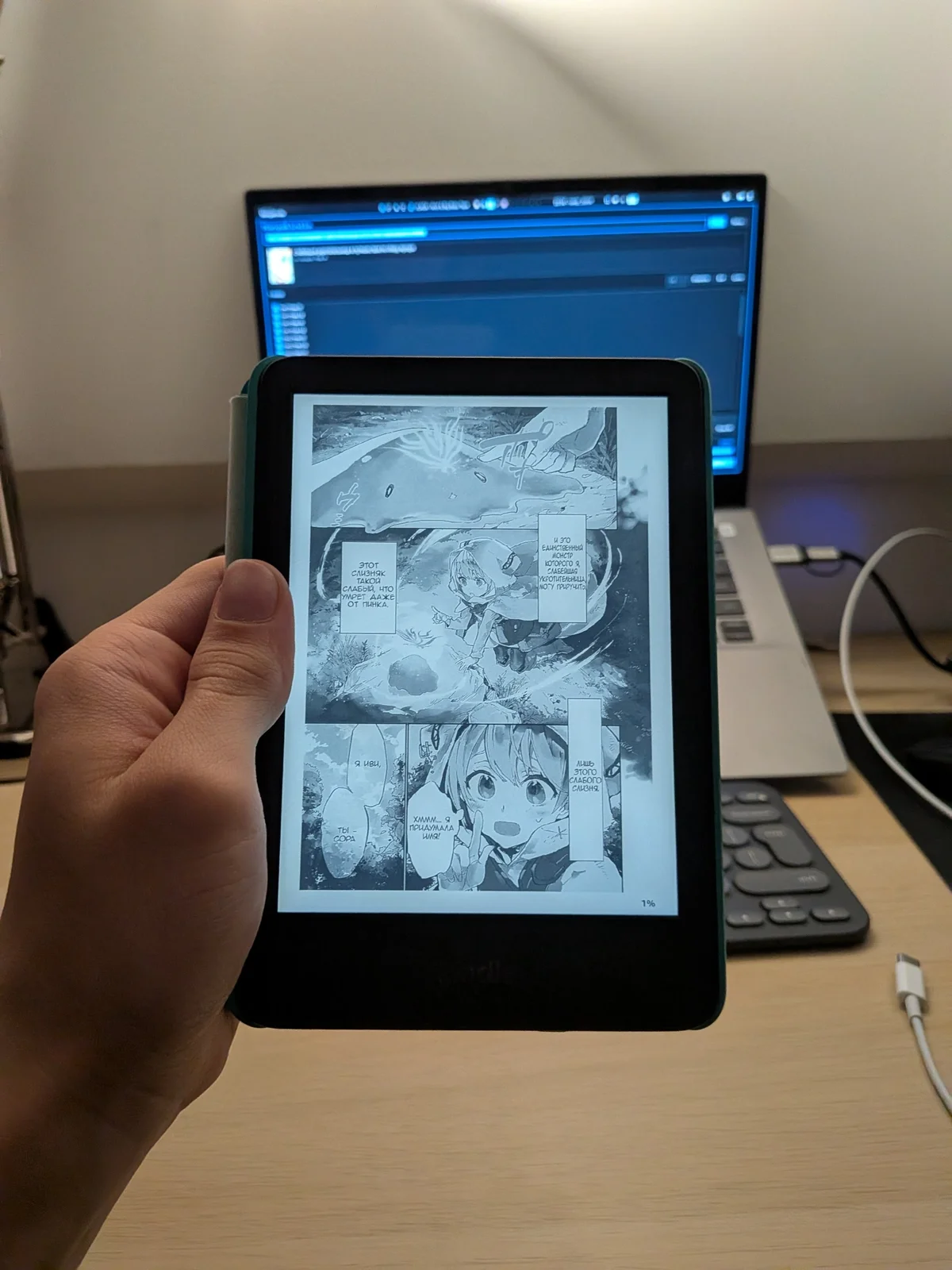
MORE
Source code
github.com/mistqkw/y0mu