01
Download the APK from the release and install it, allowing installs from unknown sources.
Download APKTexFi · OpenCode on your phone
Your own OpenCode server, right on the phone.
The app carries Ubuntu 24.04 in proot and opencode serve on 127.0.0.1. No computer needed — and if you want, it can connect to OpenCode on your computer too.
Unofficial client. Not affiliated with the OpenCode developers.
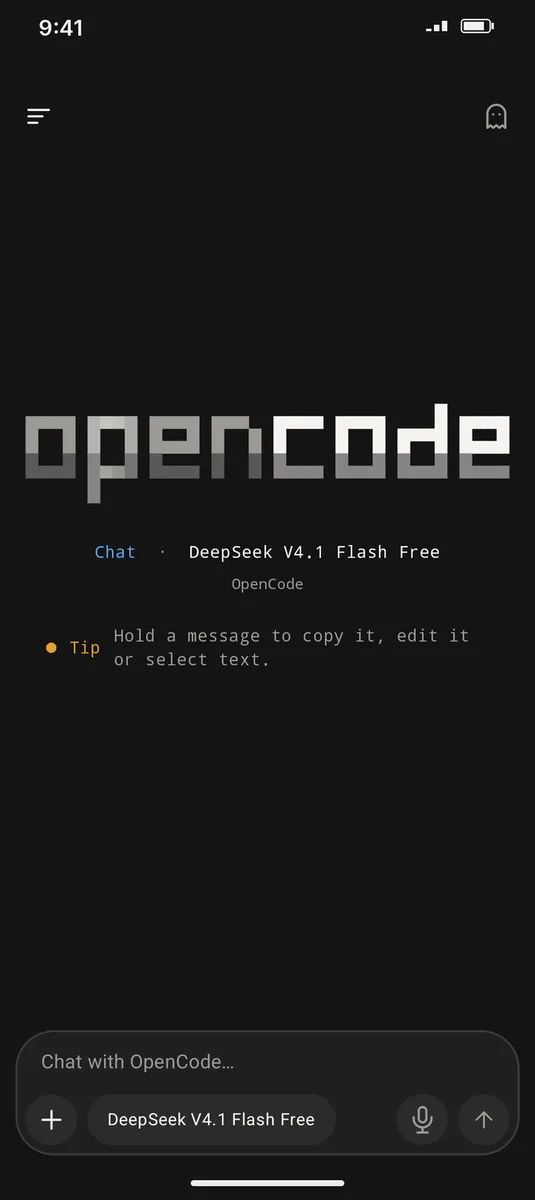
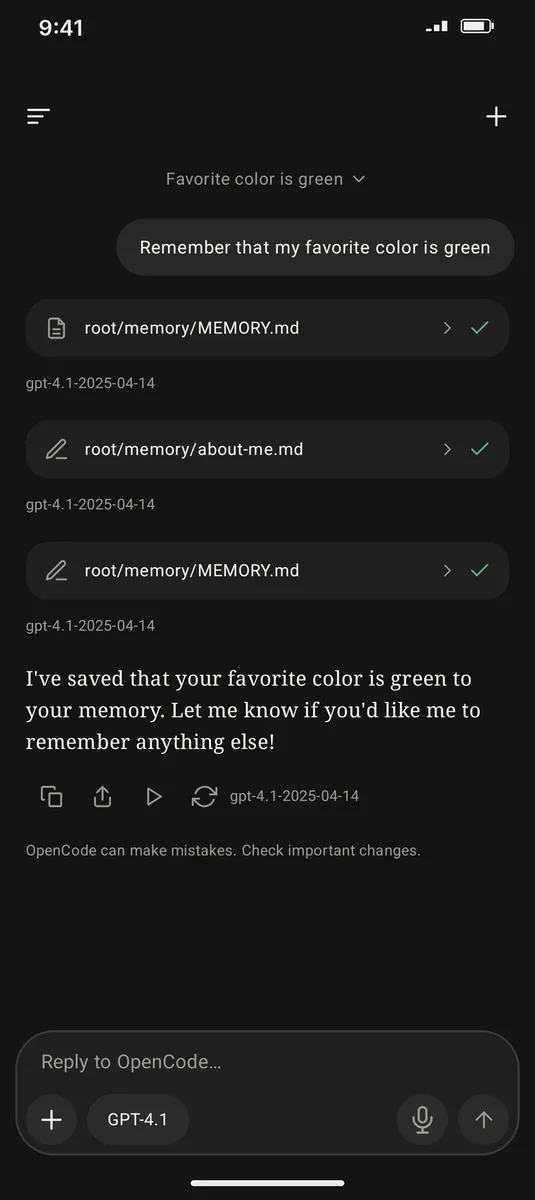
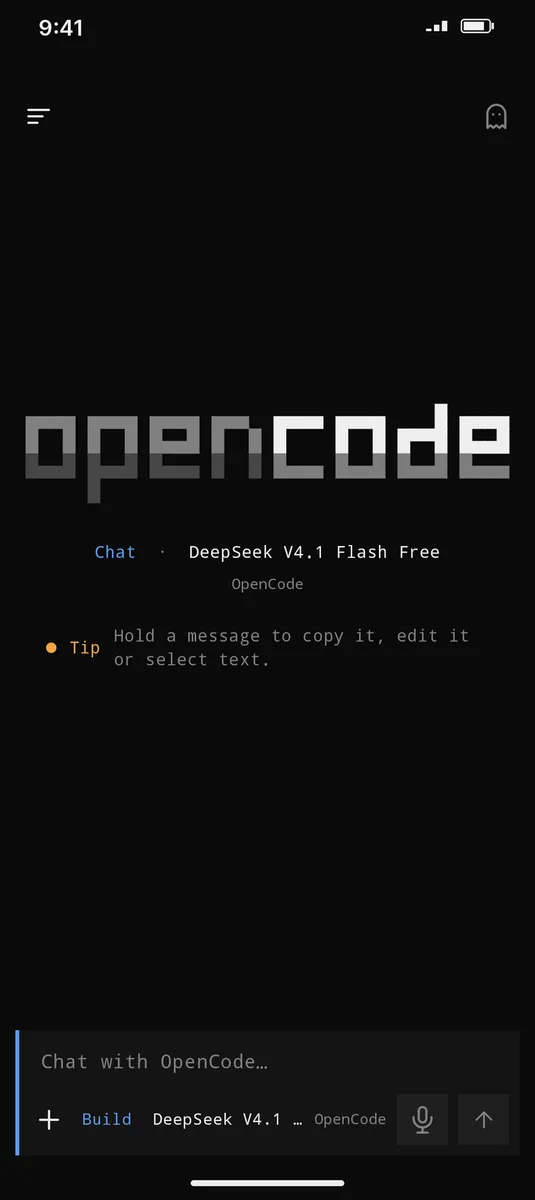
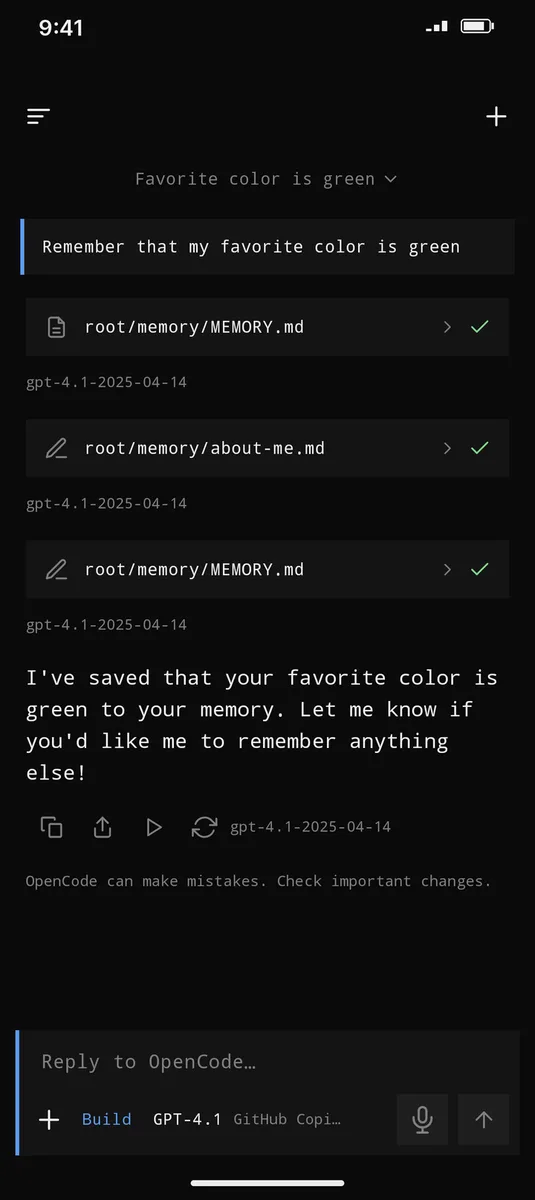
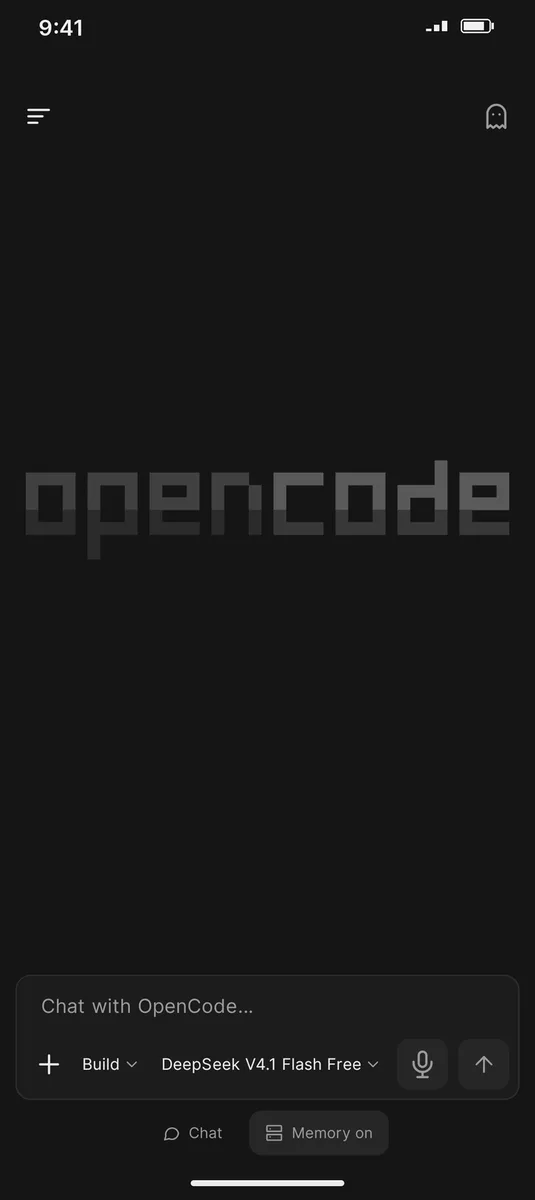
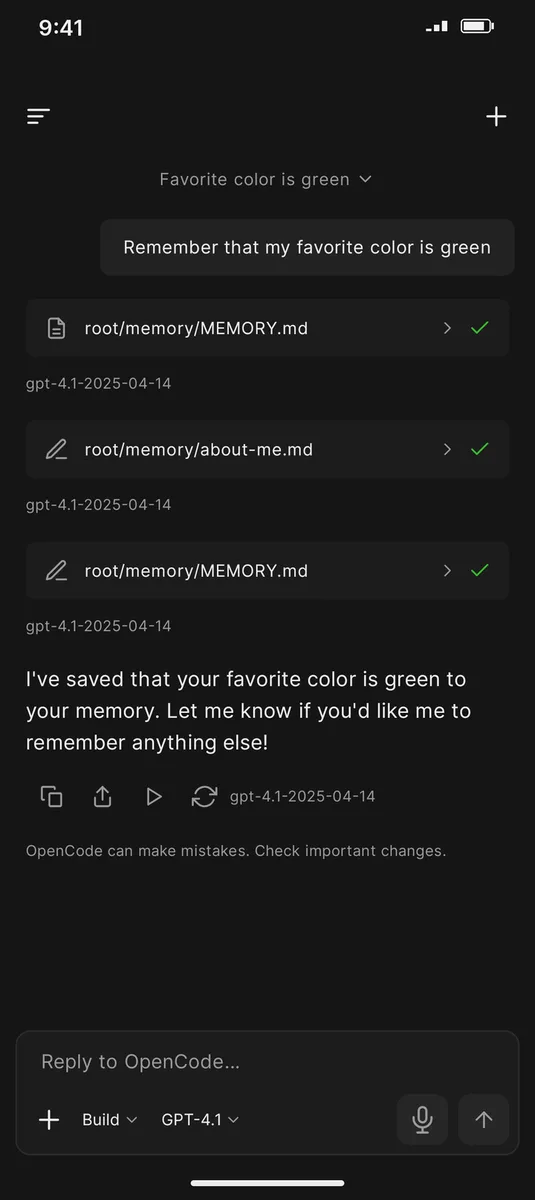
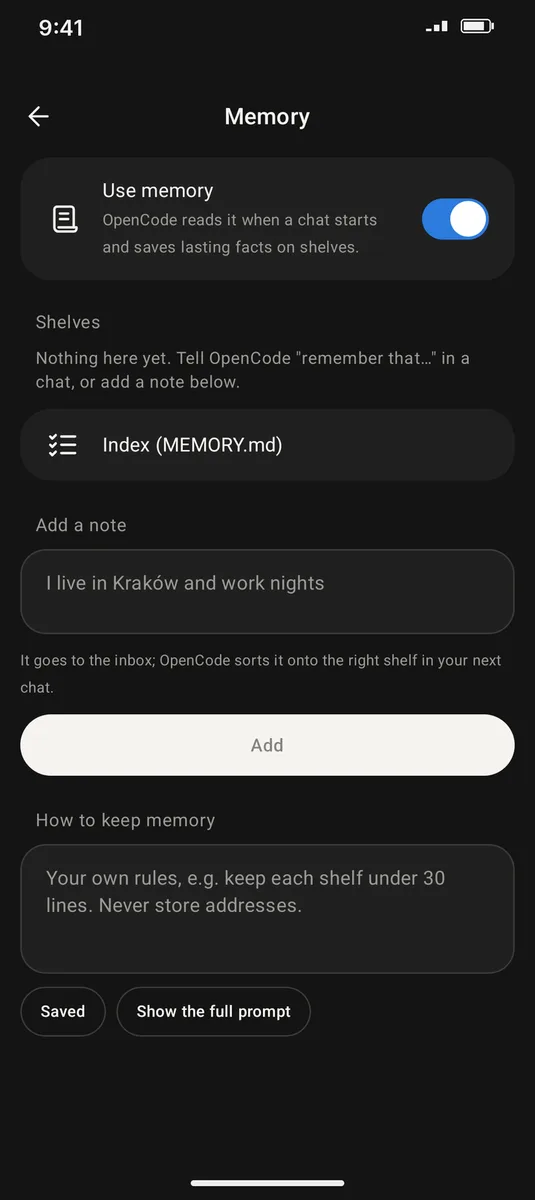
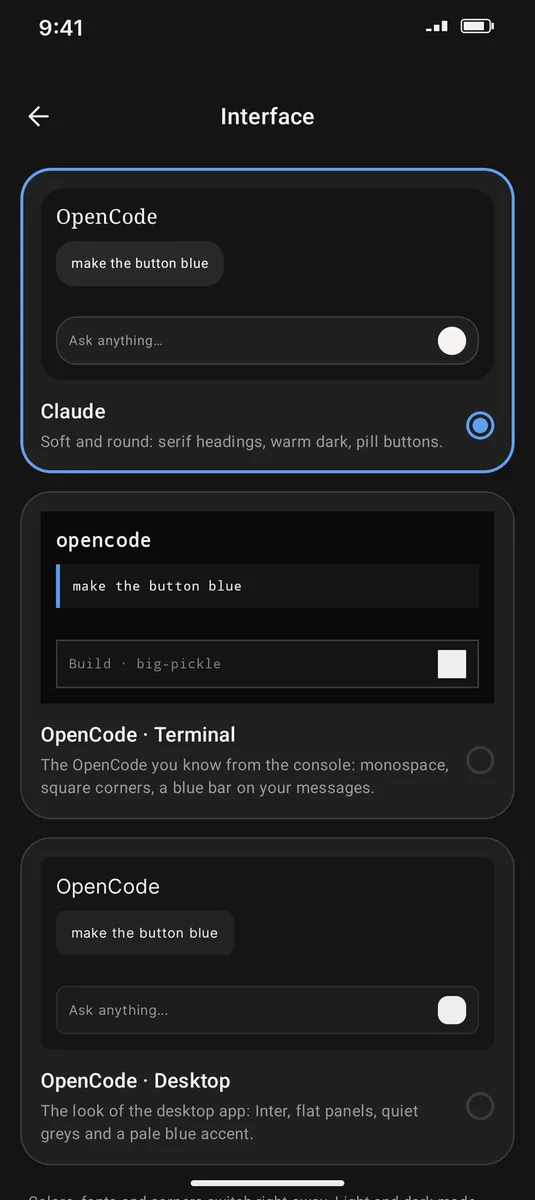
The three interfaces switch by themselves and prompts get typed in the terminal. Tap a name to pick a look.
On first launch the app downloads and unpacks Ubuntu Base and OpenCode, then a background service keeps the server running. It works the other way too: connect to opencode serve on your computer (Code → Devices).
Claude — soft, like the Claude mobile app; OpenCode · Terminal — monospaced, square corners; OpenCode · Desktop — flat panels like the desktop app. Switch in Settings → Interface.
Regular chats live on their own, projects in the Code tab. Code also has Artifacts (files from session edits) and Scheduled — a prompt on a timer.
The agent keeps MEMORY.md and files facts onto “shelves”; memory rules and manual notes are in Settings → Memory.
When the built-in free Zen models hit their limit, the app switches to Pollinations (GPT-OSS 20B, no account) and resends the message. There is also GitHub Copilot and your own key: Gemini, Groq, OpenRouter.
A copy of keys and memory lives outside the environment and survives reinstalling it. Usage and limits are shown for 5 hours, 7 and 30 days.
Download the APK from the release and install it, allowing installs from unknown sources.
Download APKOn first launch the app downloads its environment (Ubuntu Base + OpenCode) — you need internet and free space.
Pick a model. If the free Zen models answer with a limit, the fallback kicks in.
This is a beta and bugs are possible. Report them in GitHub Issues.
The free Zen limit is counted by the OpenCode server and happens in the official client too. The app does not bypass it; it offers other models.
In Pollinations mode messages go to pollinations.ai. By default it only turns on after a limit error.
Needs an arm64 phone with Android 8 or newer. Not tested yet: Auto Backup after reinstall, light themes of the interfaces, Android 14–16 on different firmwares.
OpenCode mobile is an unofficial client and is not affiliated with the OpenCode developers. “OpenCode” is the name of their project (MIT). The app includes proot and libtalloc from Termux (GPL-2.0 / LGPL-3.0); the app’s own code is MIT.